
If you’ve ever searched for a laptop online or walked into a store in Nigeria, you’ve probably seen specifications like Intel 8th Gen Core i5 or AMD Ryzen 5000 series. For many people, those numbers don’t make sense. You just want a laptop that works smoothly, but now you’re wondering, what does laptop generation mean, and does it matter?
The processor is the heart of your laptop, so its generation plays a big role in how long the laptop will serve you. Each new generation usually brings improvements in speed, battery life, graphics, and overall performance.
In this article, I’ll break it down step by step and we’ll cover Windows laptops, MacBooks, and even suggest a few models to buy in 2025. By the end, you’ll be able to walk into any laptop shop with enough confidence to make an informed purchase decision.
What Does Laptop Generation Mean?
A laptop generation refers to the version of the processor (CPU) inside the laptop. The processor is the brain of your laptop; it’s what tells the computer how fast to think, how many tasks it can juggle at once, and how smoothly it will run your apps.
Each generation typically improves laptops by making them faster, more efficient, and more compatible with modern apps. For better understanding, the higher the generation, the newer and more capable the processor is.
Why Laptop Generation Matters
-
Performance: Newer generations are faster, meaning your laptop runs smoothly even with many applications open.
-
Battery Life: Each new generation is designed to use less power, so you get longer hours on a single charge.
-
Software Compatibility: Some older generations cannot support the latest Windows or heavy applications.
-
Future-Proofing: Buying a newer generation means your laptop will last longer before it feels outdated.
For instance, if you and your friend both have laptops. Yours has a 5th Gen Intel Core i5 and your friend has a 12th Gen Intel Core i5. Both are “Core i5,” but on your 5th Gen laptop, apps will most likely run slowly, especially if you’re using modern heavy apps, and your battery will drain faster compared to your friend’s 12th Gen laptop, which will run apps much faster, smoother, and more efficient without flinching, and the battery life lasts longer because it’s built with more advanced technology.
So when you see:
-
Intel Core i5, 5th Gen → This is an older version of the i5 processor.
-
Intel Core i5, 12th Gen → This is a newer version of the same i5 family.
That’s why two laptops may look the same on the outside, but the generation inside can make a huge difference in performance. That’s the power of generation.
Understanding Intel “Core” vs “Generation”
Now, you may be wondering: If generation means version, then what about Core i3, i5, i7, i9? Isn’t that also about processors?
Here’s the difference:
-
Core numbers are i3, i5, i7, i9 (i9 is the latest for now) — tells you the performance level within the same generation.
-
Generations are 8th Gen, 12th Gen, and 13th (13th is the latest for now) — this tells you how new the processor design is.
This means a 13th Gen Core i5 is usually more powerful than a 10th Gen Core i7, even though “i7” sounds higher. Why? Because the newer generation comes with better technology.
It is noteworthy that, when we talk about “generation” (the most popular term, by the way) for laptops, we are mainly talking about Intel. Intel names their updates “Generations,” and their processors are “Core” chips (i3, i5, i7, i9) or “Celeron” (a lower-end option). So when you see Intel Core i7 or Intel Celeron, you know these are Intel processors.
What About AMD Ryzen Laptops?
While Intel has dominated the market for years, AMD Ryzen laptops are gaining popularity in Nigeria due to their strong performance at a more affordable price. Instead of calling them “generations,” AMD uses series numbers: Ryzen Series are 4000, 5000, 6000, 7000 (being the latest for now).
For example: Acer Aspire 5 Ryzen 5 4500U or HP Envy x360 Ryzen 7 5700U
-
Ryzen 3, 5, 7, 9 → these are like Intel’s i3, i5, i7, i9.
-
The first number (4, 5, 6, 7) → This tells you the series generation. For example:
-
Ryzen 5 4500U = 4000 series (around Intel’s 10th Gen, released in 2020).
-
Ryzen 7 5700U = 5000 series (around Intel’s 11th Gen, released in 2021).
-
Ryzen 7 6800HS = 6000 series (around Intel’s 12th Gen, released in 2022).
-
Ryzen 7 7730U = 7000 series (around Intel’s 13th Gen, released in 2023–2024).
-
-
The next two or three digits (e.g. 500, 700) → this is the model tier inside that series.
-
The letter at the end (U, H, HS, X) → this tells you the power type:
-
U = less power, thin laptops, better battery life.
-
H/HS = high performance.
-
X = extreme performance, often desktops or heavy-duty laptops.
-
So if you compare it to Intel, a Ryzen 5 4500U is roughly like an Intel Core i5 10th Gen U-series processor.
What About MacBooks?
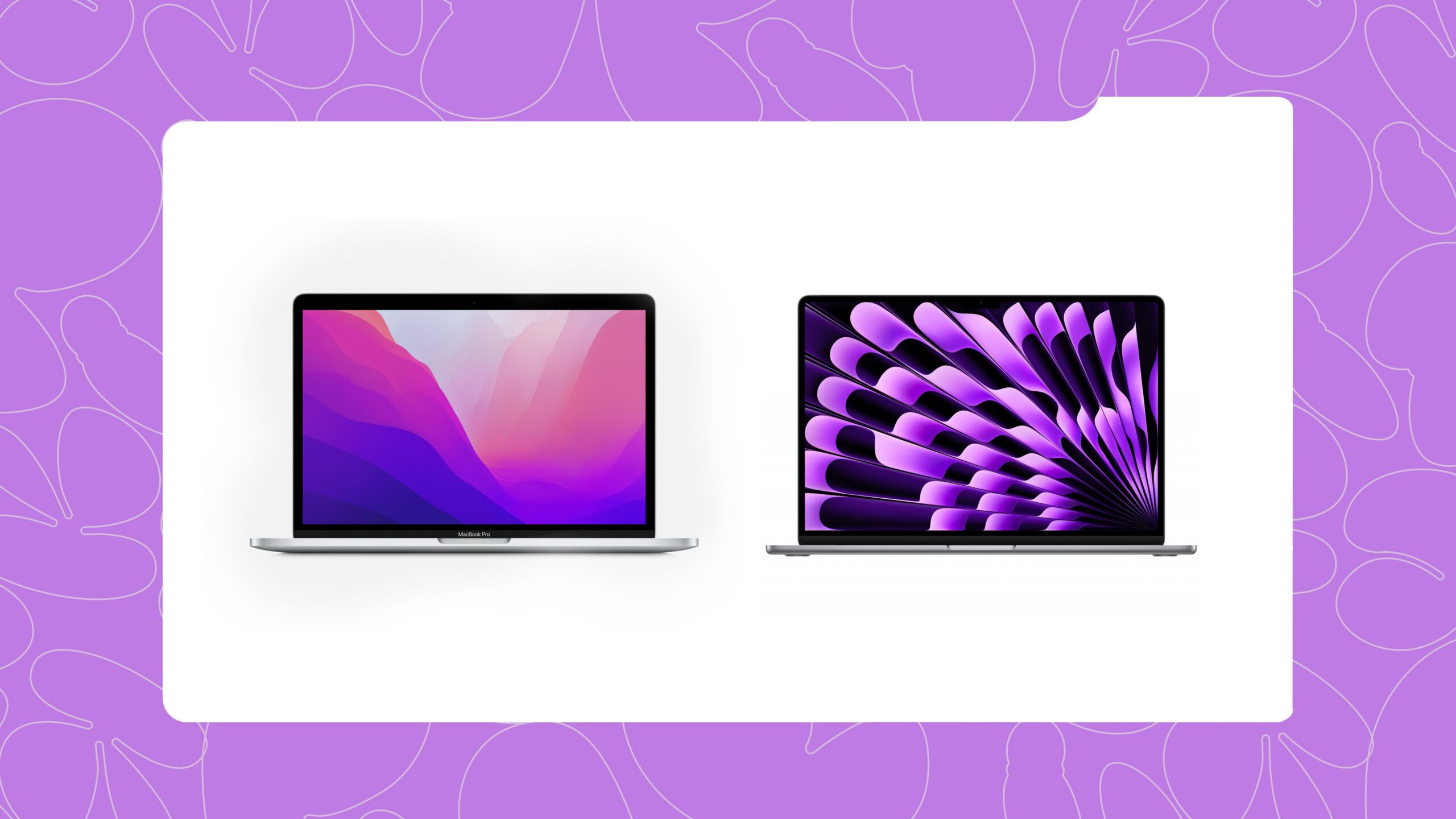
So far, we’ve been talking about Windows laptops that use Intel or AMD processors. But what about MacBooks? MacBooks don’t use “generations” in the same way.
Since 2020, Apple has stopped using Intel processors in its MacBooks and started making its own chips, called ‘Apple Silicon’. These chips are called M1, M2, and M3.
So instead of “10th Gen core i5” like on Windows laptops, you’ll see:
-
MacBook Air M1 (2020) → the first Apple Silicon MacBook.
-
MacBook Air/Pro M2 (2022) → improved speed, graphics, and battery life.
-
MacBook Pro M3 (2023) → even faster, built for heavy multitasking.
To be clear:
-
A MacBook Air M1 can easily handle browsing, Netflix, and writing projects.
-
A MacBook Pro M3 on the other hand, is a beast. It can manage 4K video editing, software development, 3D modelling, or having 20 apps open at once without slowing down.
In other words, for MacBooks, the chip (M1, M2, M3) is what you look out for, not “generation. ”
I’ll also be breaking down the difference between the MacBook Air and MacBook Pro in a detailed article later this month, so watch out for it if you’re not sure of the difference, you simply want to understand it better or not sure which to buy.
READ ALSO: These 7 Laptops Have the Strongest Processors in 2025
Best Laptop Picks in 2025
Here are reliable options if you’re buying this year:
Windows Laptops
The HP ZBook Firefly 14 G7 is touted as HP’s lightest and most portable ZBook, powered by a 10th Gen Intel Core i7 (up to 4.9 GHz) and an NVIDIA Quadro P520 GPU. With 16 GB RAM, a 512 GB NVMe SSD, a bright 14″ FHD IPS display, and pro-level security and durability, it delivers solid workstation capabilities in a slim, mobile package.
